For developers
You build the site.
The rest is already in Eldra.
Build the site in any framework you like. Products, the cart and content come from Eldra through a TypeScript SDK, and payment is taken on Eldra's checkout page.
$npm install @eldrajs/sdk @eldrajs/vue
- Open source, MIT licence
- On npm under @eldrajs
- No API key
No developer? We'll build the site for you. Talk to us
<script setup lang="ts">import { createEldraClient } from '@eldrajs/sdk';import { EldraImage } from '@eldrajs/vue'; const { eldraOrgId } = useRuntimeConfig().public;const eldra = createEldraClient({ orgId: eldraOrgId }); const { data: products } = await useAsyncData('haustlina', async () => (await eldra.catalog.listCollectionProducts('haustlina')).data);</script> <template> <ul class="grid"> <li v-for="product in products" :key="product.id"> <EldraImage :src="product.thumbnail" :alt="product.title" sizes="(min-width: 1024px) 25vw, 50vw" :aspect-ratio="4 / 5" /> <h3>{{ product.title }}</h3> </li> </ul></template>Everything is on npm under @eldrajs.
The source is open in headless-kit on GitHub. You can read it, follow the changes and send in fixes.
@eldrajs/sdk
SDK
A TypeScript client for the catalogue, cart, content, orders and stock. Plain fetch, so it runs in the browser, in Node and at the edge.
- A Vite plugin that generates TypeScript types from your schemas on every build.
- A checkout URL for the cart.
- A preview key for drafts.
npm install @eldrajs/sdk@eldrajs/vue
Vue components
RichText and EldraImage for Vue 3 and Nuxt, plus Button, Input, Select, VariantPicker and more in @eldrajs/ui. You control the look with CSS design tokens.
- RichText renders rich text from Studio, and you can swap out any node.
- EldraImage, with srcset at the right sizes.
- toHtml from @eldrajs/rich-text if you don't use Vue.
npm install @eldrajs/vue @eldrajs/ui@eldrajs/theme-nuxt
Themes for the page builder
You build the blocks your client arranges in the page builder. eldra-theme deploy ships the site and the blocks to Eldra.
- Each block is a block.json and a Vue component.
- The eldra-theme CLI in @eldrajs/theme-cli: init, validate and deploy.
- Preview in Studio while the content is still a draft.
npm install @eldrajs/theme-nuxt
Open source under the MIT licence. Missing something? Open an issue on GitHub.
Products and cart
The catalogue and cart come from Eldra.
Products, categories, collections and search come from the same catalogue the till in the shop uses. The cart is kept in Eldra, which works out prices, discounts and VAT.
- No API key. Eldra only responds to domains registered in Studio.
- Responsive images in AVIF or WebP.
- The same stock levels the till sees.
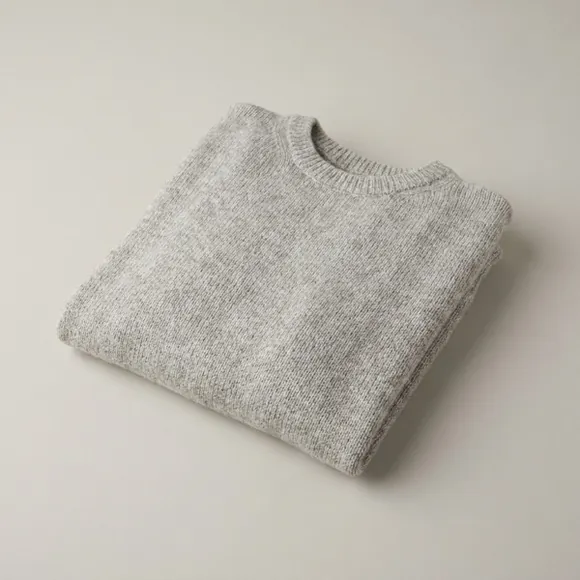
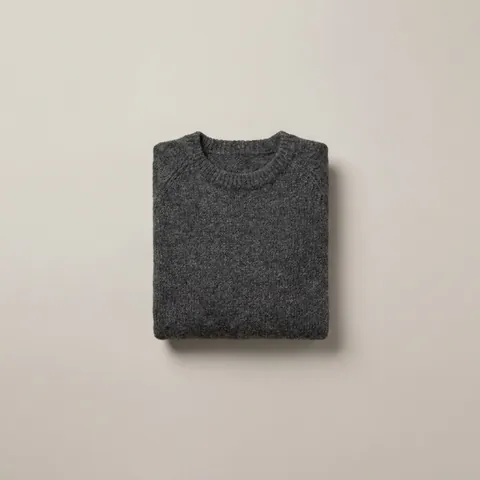 Wool jumper · Charcoal
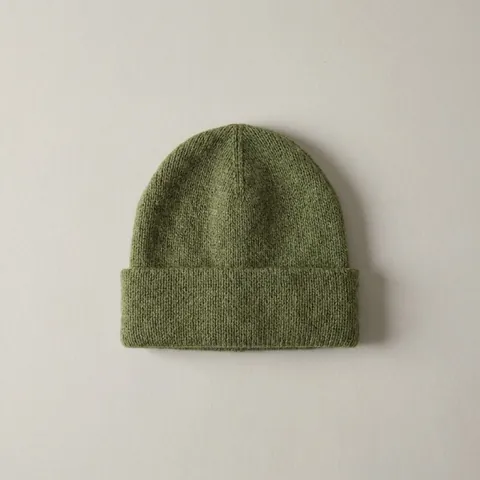 Beanie · Moss
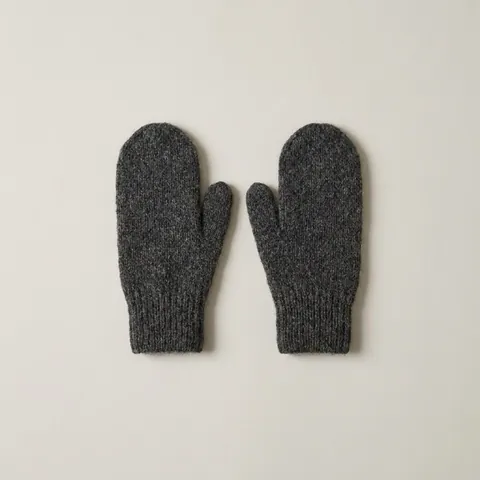 Mittens · Charcoal
Schemas
You define the content in Studio.
Schemas describe the content on the site: courses, staff, FAQs or whatever else the site needs. You define the fields in Studio, your client fills them in through the CMS, and the Vite plugin generates TypeScript types from them.
- Text, rich text, images, references, select lists and more.
- Types are generated in .eldra/ on every dev run and build.
- A preview key shows drafts before they are published.
Webhooks
A new build when content is published.
If the site is static, Eldra sends a webhook when something changes, such as cms.entry.published, and the site is redeployed. The deploy webhook for Cloudflare Pages waits a minute and batches changes together.
- Events for content, products, images, orders and bookings.
- Signed with HMAC-SHA256.
- Failed deliveries are retried and shown in Studio.
MCP
Claude works in Studio, with the permissions set there.
Eldra has an MCP server, so Claude can read and change content, products and stock. What Claude may do is chosen in Studio, and Claude always works as the user who signed in, with that user's rights.
- Claude writes drafts and publishes nothing unless Studio allows it.
- Prices and stock only when that is switched on.
- In Claude Code or claude.ai, with each person's own Studio account.
Checkout
Payment is taken on Eldra's checkout page.
You don't need to build a checkout. When the cart is ready, you get a URL for Eldra's checkout page, where the buyer chooses delivery, pays and gets a confirmation. The order then shows up in Studio like any other.
- Delivery by Pósturinn or Dropp, or collection from the shop.
- Card payments through the shop's payment provider.
- Card numbers never pass through your code.
What you don't have to build.
Everything behind the site already exists in Eldra. You connect to it with the SDK.
You build
The site itself.
The framework. Nuxt, Vue, Astro or plain HTML.
The look. The design, the type and the motion are yours.
The hosting. On Eldra with eldra-theme deploy, or wherever you like.
How it runs. Static, SSR or a mix of the two.
You don't have to build
It's all in Eldra already.
A catalogue and stock. The same product list the till in the shop uses.
A cart and checkout. Prices, discounts and VAT are worked out in the cart, and the checkout page takes the payment.
Orders and shipping. Pósturinn and Dropp are already connected.
A CMS. Your client edits their own content in Studio.
Common questions
- Do I need an API key?
- No. The site sends the organisation ID. Orders, carts and bookings are only accepted from domains registered in Studio.
- Is there an OpenAPI spec?
- Yes, at /api/public/openapi.json.
- Which framework can I use?
- Any framework you like. Nuxt has the best support.
- Can I try Eldra?
- Talk to us and we'll discuss it.
- Can I work with you?
- Yes. We work with freelance developers and web agencies and offer them special terms. Talk to us.

Next step
Talk to us.
Tell us about your business and what you want the system to do.
Or email eldra@eldra.is