Hardware
Everything you need at the counter.
Every till in the subscription comes with an iPad on a stand. You rent the printer, cash drawer and scanner from us as one kit, or use your own where it works with the system.
- 1iPad on a standiPad (A16) · Bouncepad Eddy
- 2Receipt printerStar mC-Print3
- 3Cash drawerStar CB-2002
- 4Barcode scannerZebra DS2278 in charging cradle
- The iPad and stand come with the subscription, one for each till.
- The printer, drawer and scanner are in the rental kit. You don't need to rent anything you already own that works with the system.
- Chargers and cables are included.
- Not included: the card terminal, which comes from your payment provider.

Compatibility
Already have hardware?
See which printers, drawers and scanners work with the POS. Keep using what works and rent only what's missing.
Receipt printers
- Star mC-Print3In the rental kitUSB-C or EthernetIn the kit
- Other Star printersTSP100IV, TSP143III, TSP650II and mPOPEthernet or BluetoothWorks
- Epson printersTM-m30, TM-T20 and TM-T88EthernetNot yet
- Printers that only connect over USB-ASuch as printers from Windows tillsUSB-ADoesn't work
Cash drawers
- Star CB-2002In the rental kitInto the printerIn the kit
- Drawers that connect to the printer24 V drawers with an RJ12 connectorInto a Star printerWorks
- Drawers run by a Windows tillWith a USB or serial connectorUSB or serialDoesn't work
Barcode scanners
- Zebra DS2278In the rental kitBluetoothIn the kit
- Wireless scannersZebra, Honeywell, Socket Mobile, Datalogic and othersBluetoothWorks
- Wired scannersTake up the USB-C port the printer usesUSB with an adapterWorks
- The iPad's cameraNo extra hardwareBuilt inWorks
POS
Then there's the POS itself.
The same catalogue and the same stock levels in the shop and online. Sales at the till go straight into stock and the accounts.
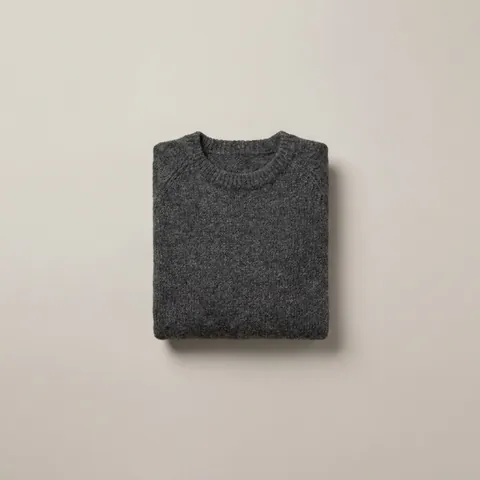 Wool jumper · Charcoal
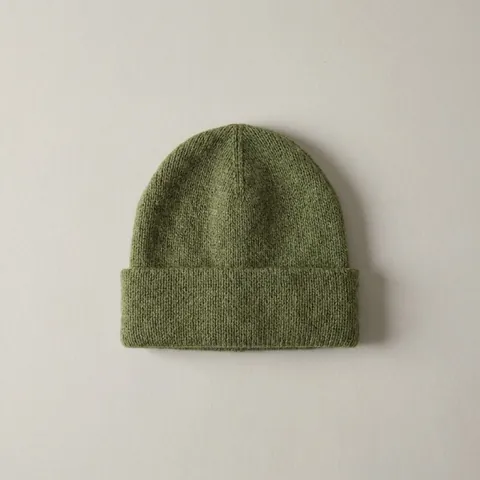 Beanie · Moss
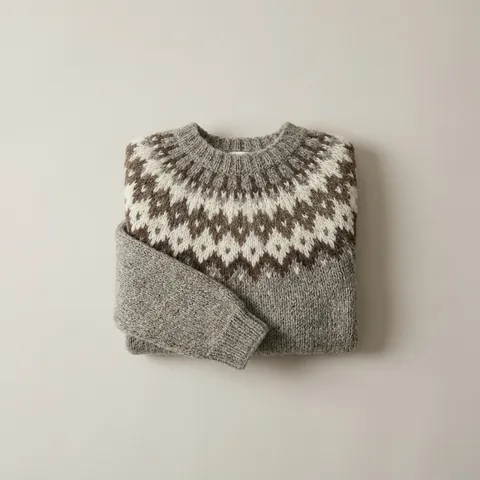 Lopapeysa · Natural
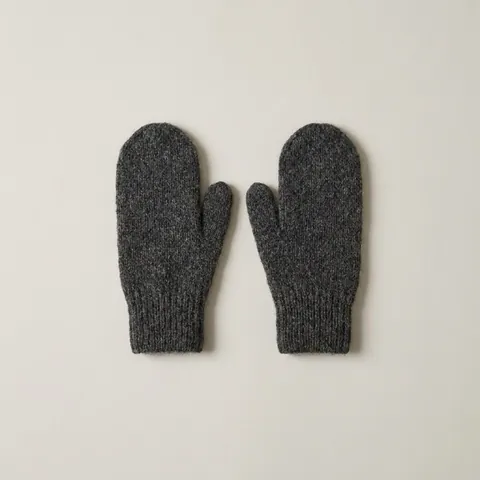 Mittens · Charcoal
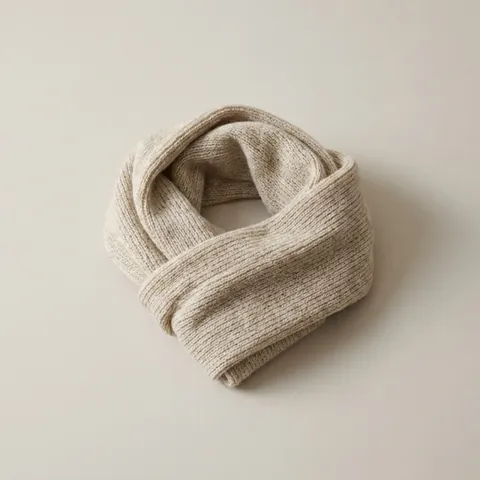 Scarf · Oatmeal
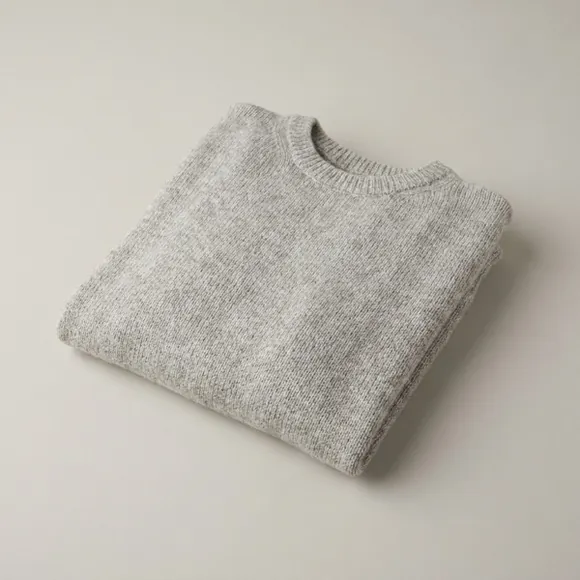 Wool jumper · Grey
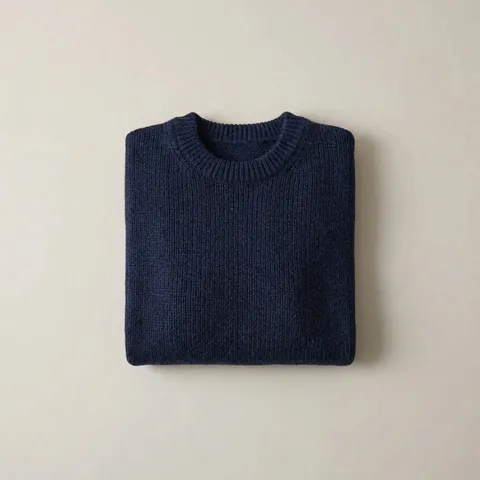 Wool jumper · Blue
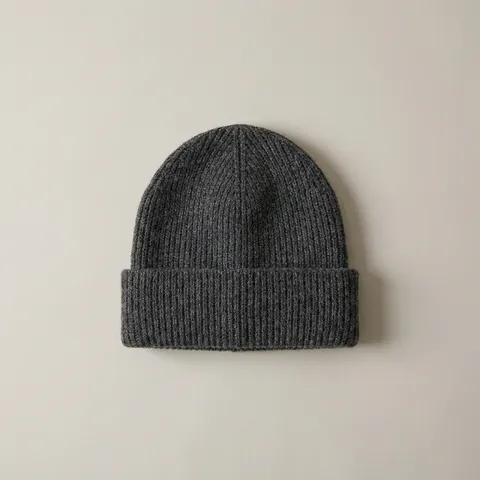 Beanie · Charcoal
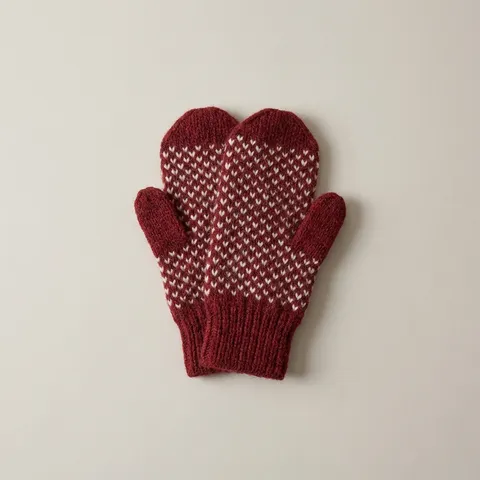 Mittens · Red
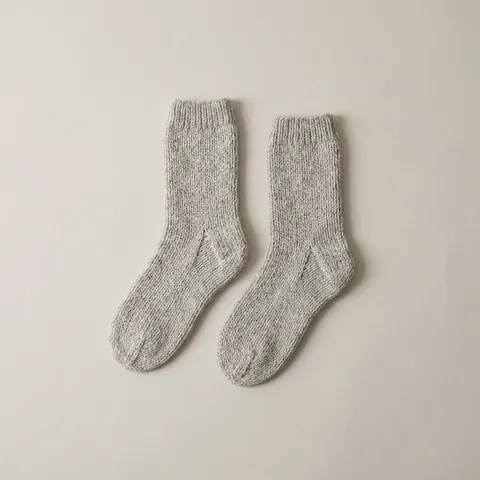 Wool socks · Grey
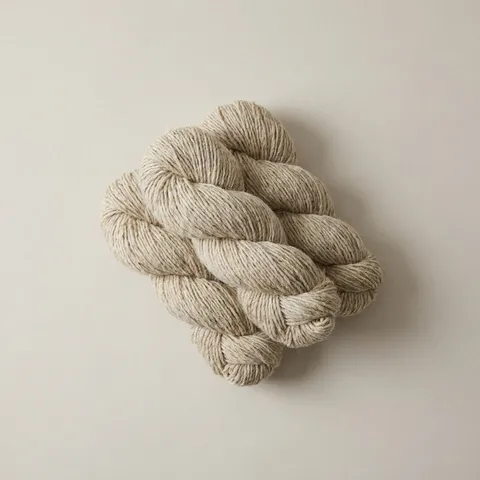 Léttlopi · Oatmeal
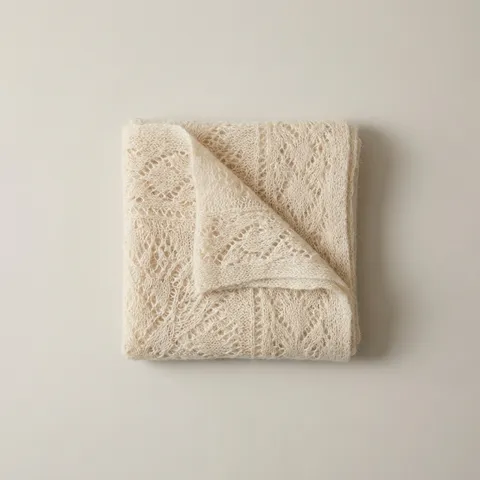 Shawl · Cream
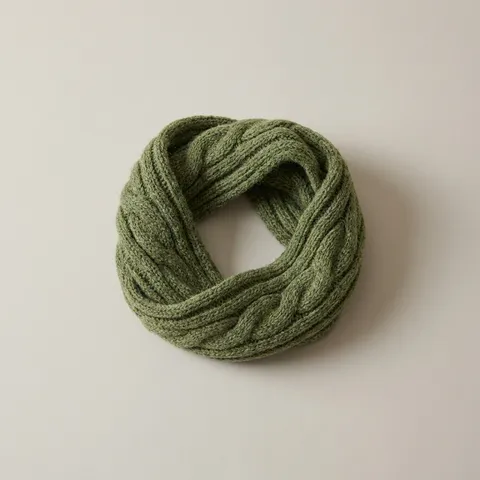 Cowl · Moss
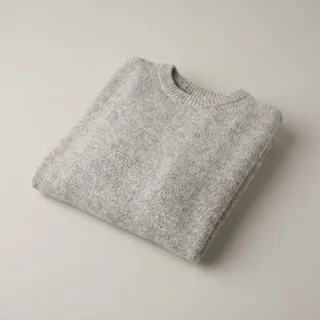 Children's jumper · Grey
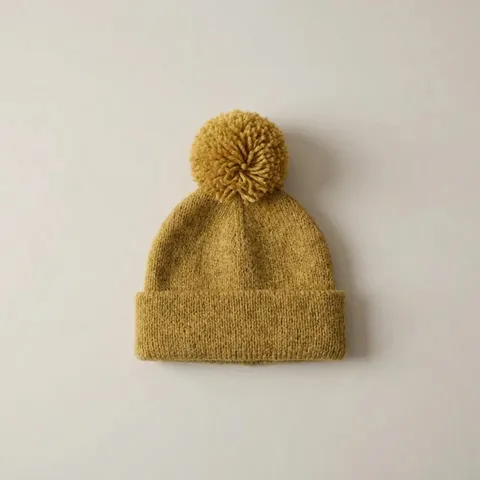 Children's beanie · Yellow

Hardware
Ask us about the hardware.
Tell us how many tills you need and whether you already have hardware.
Or email eldra@eldra.is